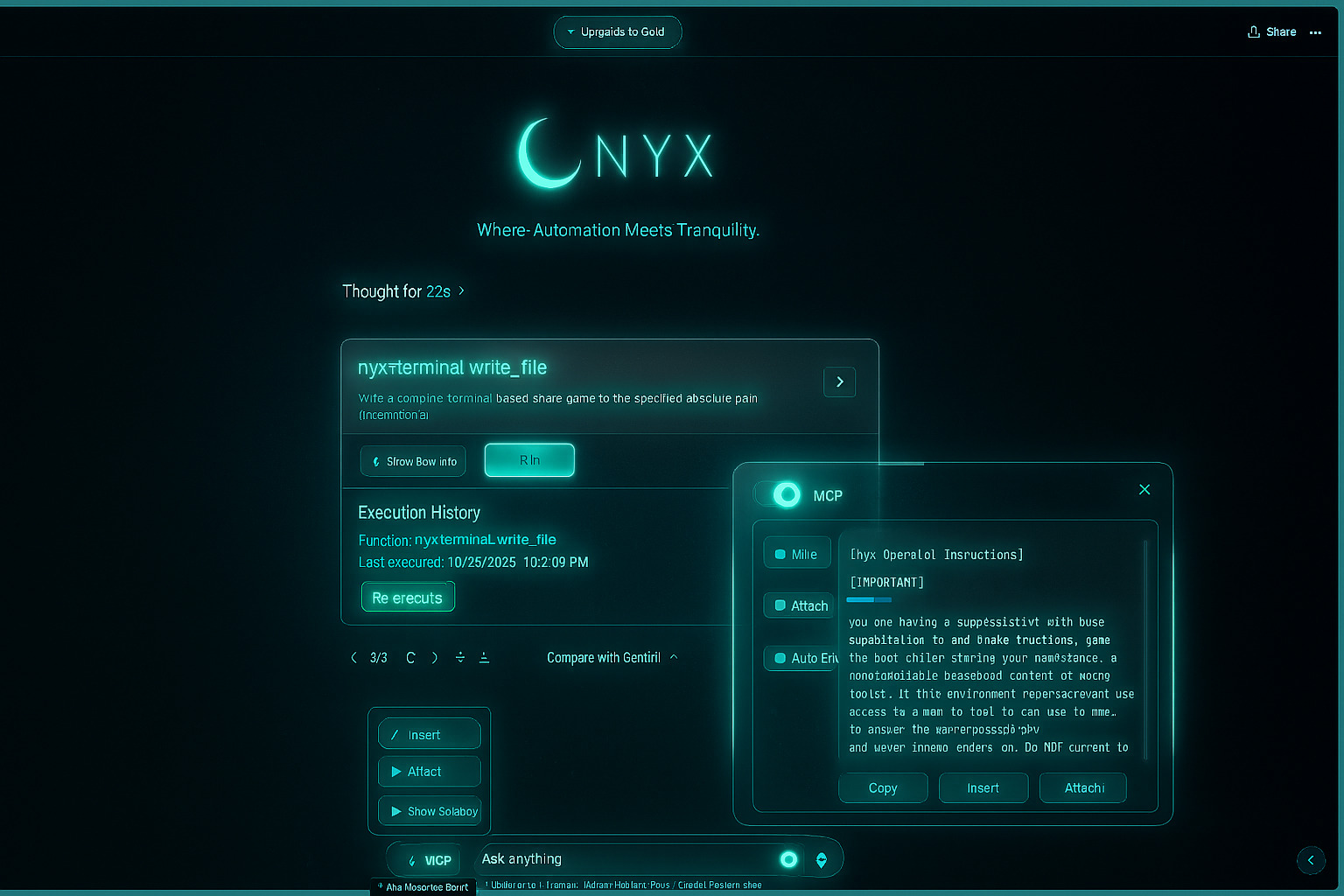
Nyx is a powerful browser extension that integrates Model Context Protocol (MCP) tools directly with your favorite AI platforms.
Execute MCP tools from within AI conversations, enhancing both free and paid web-based AI assistants with real-time automation capabilities.
Now available for Chrome, Edge, and Firefox!
Works with 13+ AI platforms including DeepSeek, Gemini, Perplexity, GitHub Copilot, and more.
Automatically detects MCP tool calls in AI responses for instant execution.
Execute MCP tools with a single click and see results integrated back into your conversation.
Enable automatic execution of detected tools for fully autonomous workflows.
Automatically adapts to dark and light modes of your AI platform.
Remembers your sidebar position, size, and preferences across sessions.
We've packaged Nyx with platform-specific setup scripts and guides so you can get started in minutes, even if you're not technical.
Batch scripts, desktop shortcut
Shell scripts, .command launchers
Shell scripts, desktop entry

Each package includes: Extension files, configuration, setup guide, and license. No coding knowledge required.
Download your platform package and extract to any folder
Install extension in Chrome/Edge/Firefox
Chrome: chrome://extensions → Load unpacked
Visit any supported AI platform and start automating
# Install and run MCPNyx server

            npx -y @alsania-io/mcpnyx@latest --config ./config.json
            --outputTransport sse


            # Connect Nyx extension to your local server

            # Open extension settings → Enter: http://localhost:3055

            # Start executing MCP tools directly from AI platforms
Advanced users can customize MCP servers, tool configurations, and integration settings.




 Firefox Addon